UTRGV email is available to UTRGV students and active employees. See Email Account FAQs for eligibility and account status details.
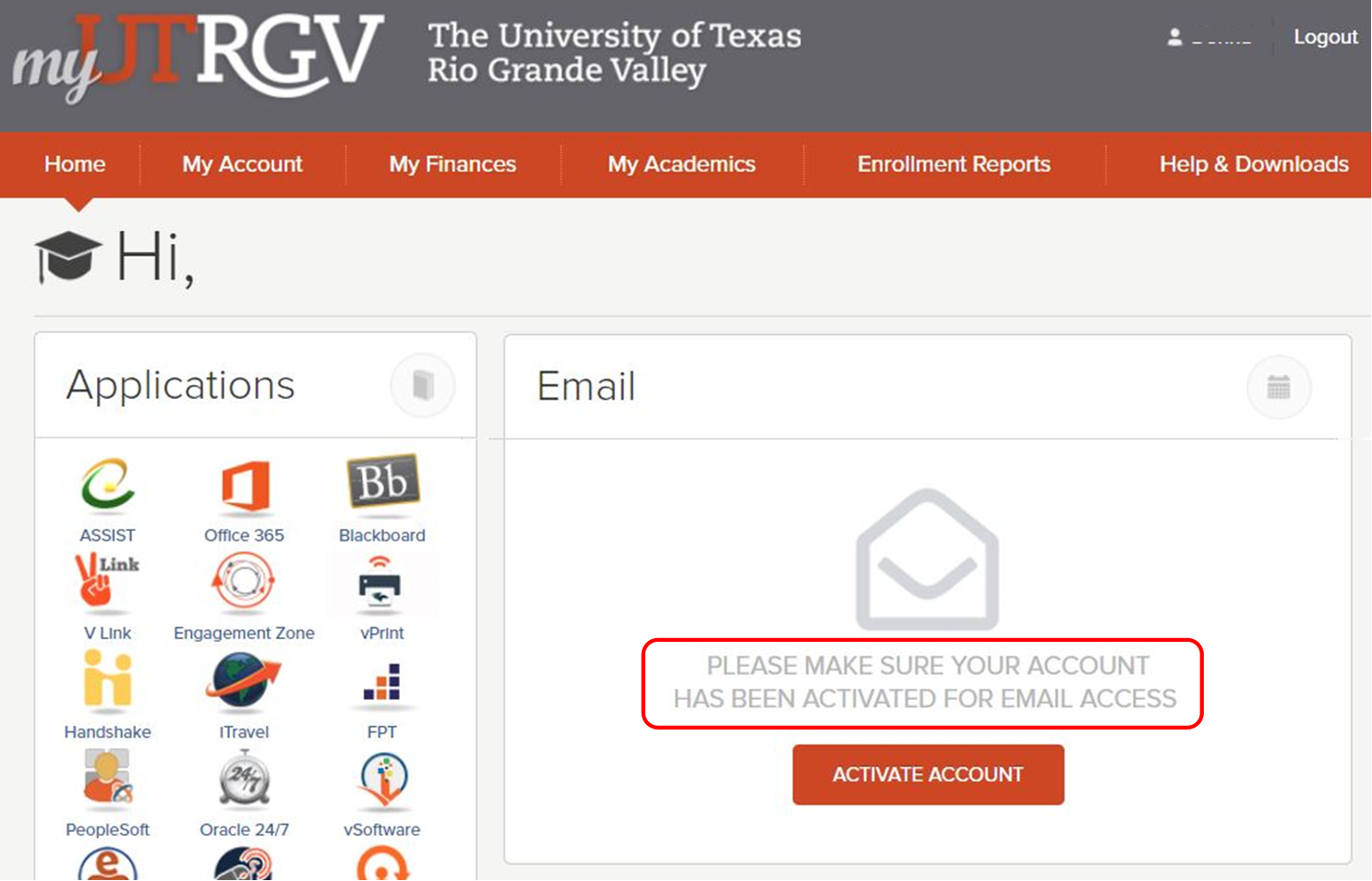
If you see the message “Please make sure your account has been activated for email access” in the myUTRGV Portal email panel, follow the steps below.
Access Email in a Private Browser Window
- Open a private or incognito browser window.
- In the private window, sign in to the myUTRGV Portal.
- Attempt to access your email again.
If the Error Does Not Appear in a Private Browser Window
This indicates a browser caching issue.
- Clear your browser’s cache and cookies.
- Close your browser completely.
- Reopen the browser and sign in to the portal again.
If the Error Still Appears
Contact the IT Service Desk to have your account status and Microsoft 365 license reviewed.